Customer Portal : Manage Your Salon Tracker Account in One Place
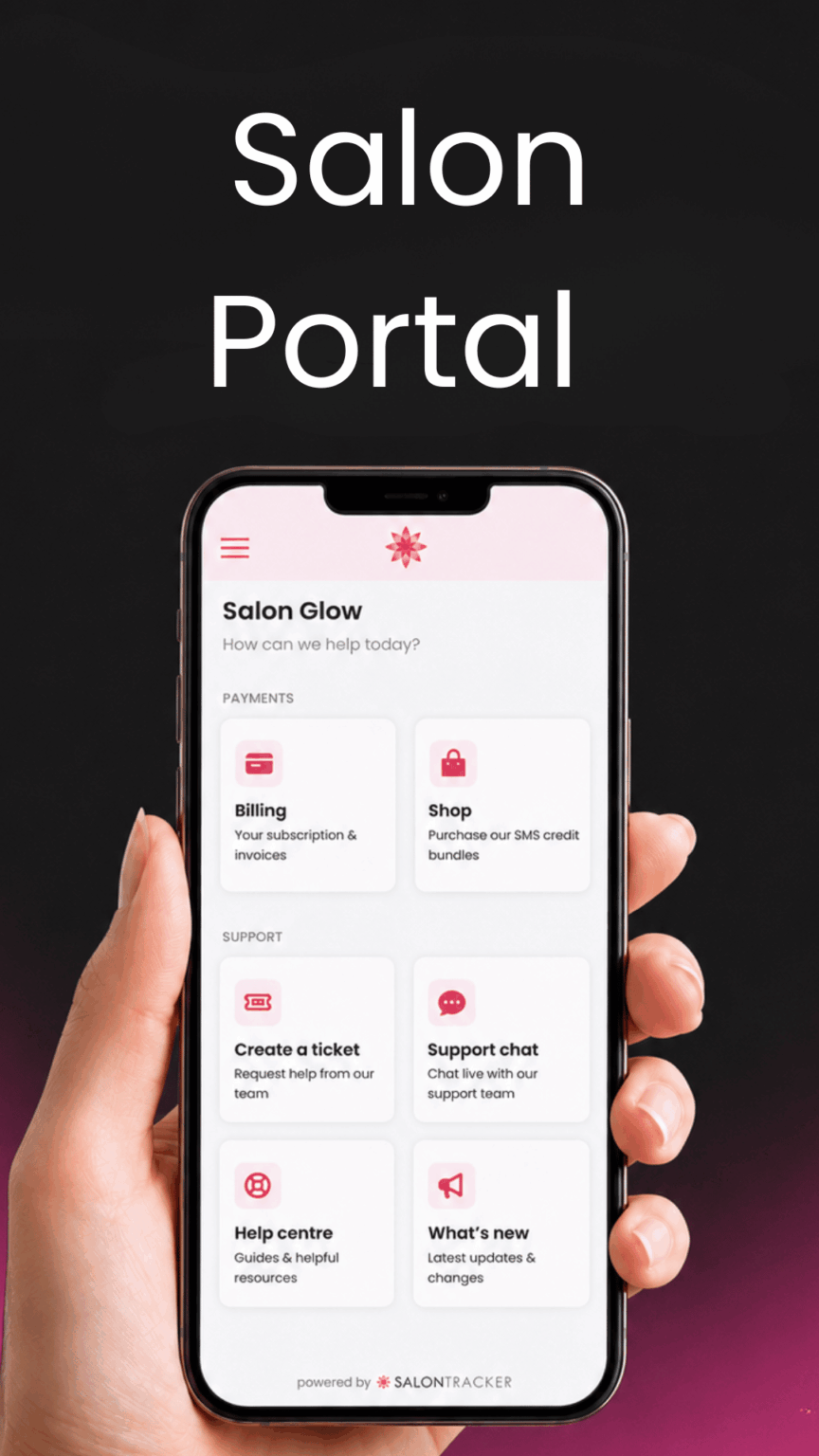
Managing your salon software should be quick, simple and stress-free. That is why we are excited to introduce Salon Portal, a new feature to make it easier for Salon Tracker customers to manage key account areas, purchase SMS credits and access support.
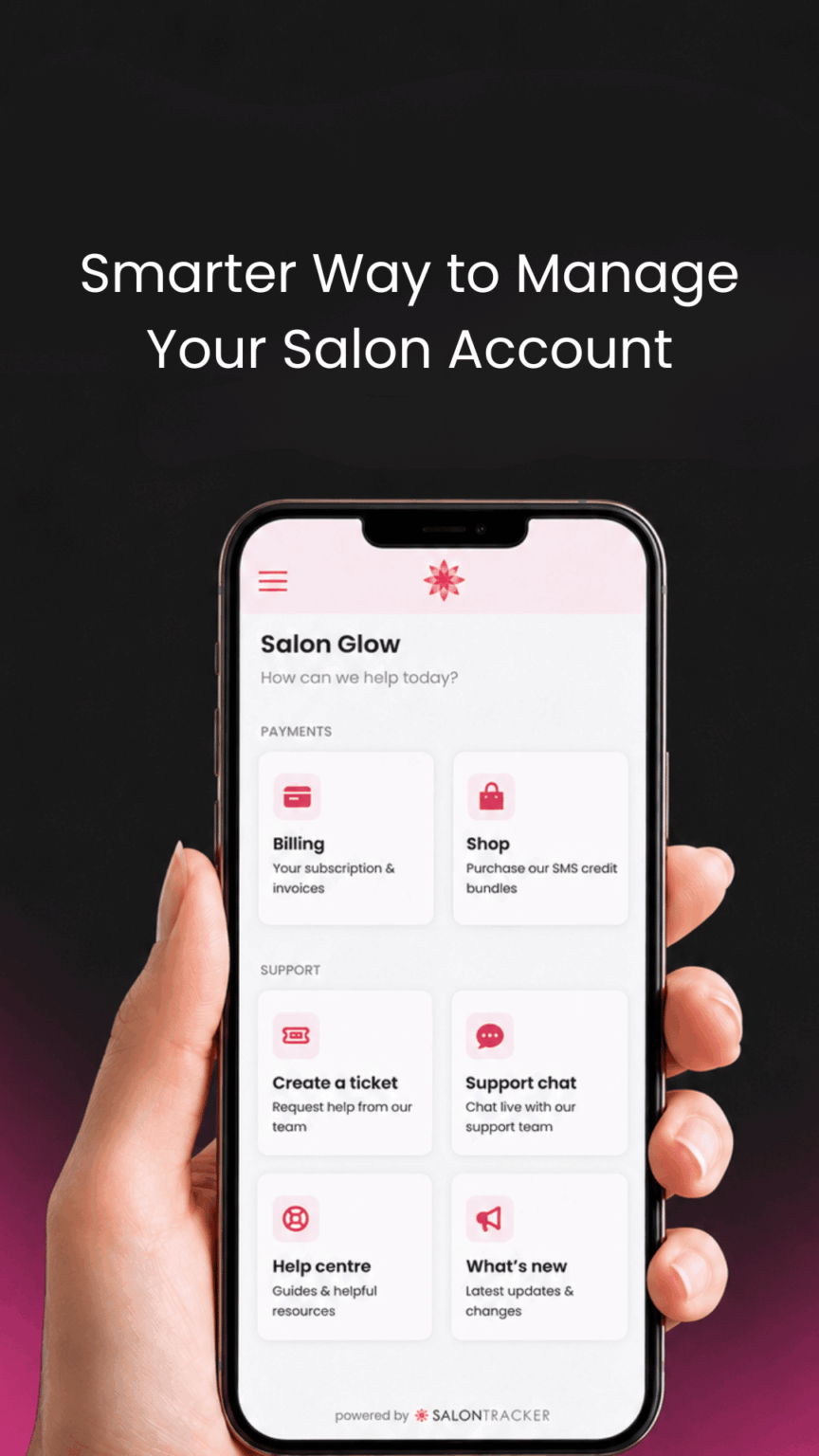
Salon Portal introduces important tools together in one convenient place, giving salon owners more control and making everyday account management much easier.
Whether you need to view or update your payment details, buy SMS credits or get help from our support team. Salon Portal is here to make the process quicker and smoother.
1.What is Salon Portal ?
Salon Portal is a new online area for Salon Tracker customers.
It has been designed to help you manage your account, access useful resources and stay up to date with the latest changes, all from one simple platform.
Instead of needing to contact the team for every small account update or SMS bundle purchase, you can now access key features yourself in just a few clicks.
2.Purchase SMS credit Bundles In Seconds
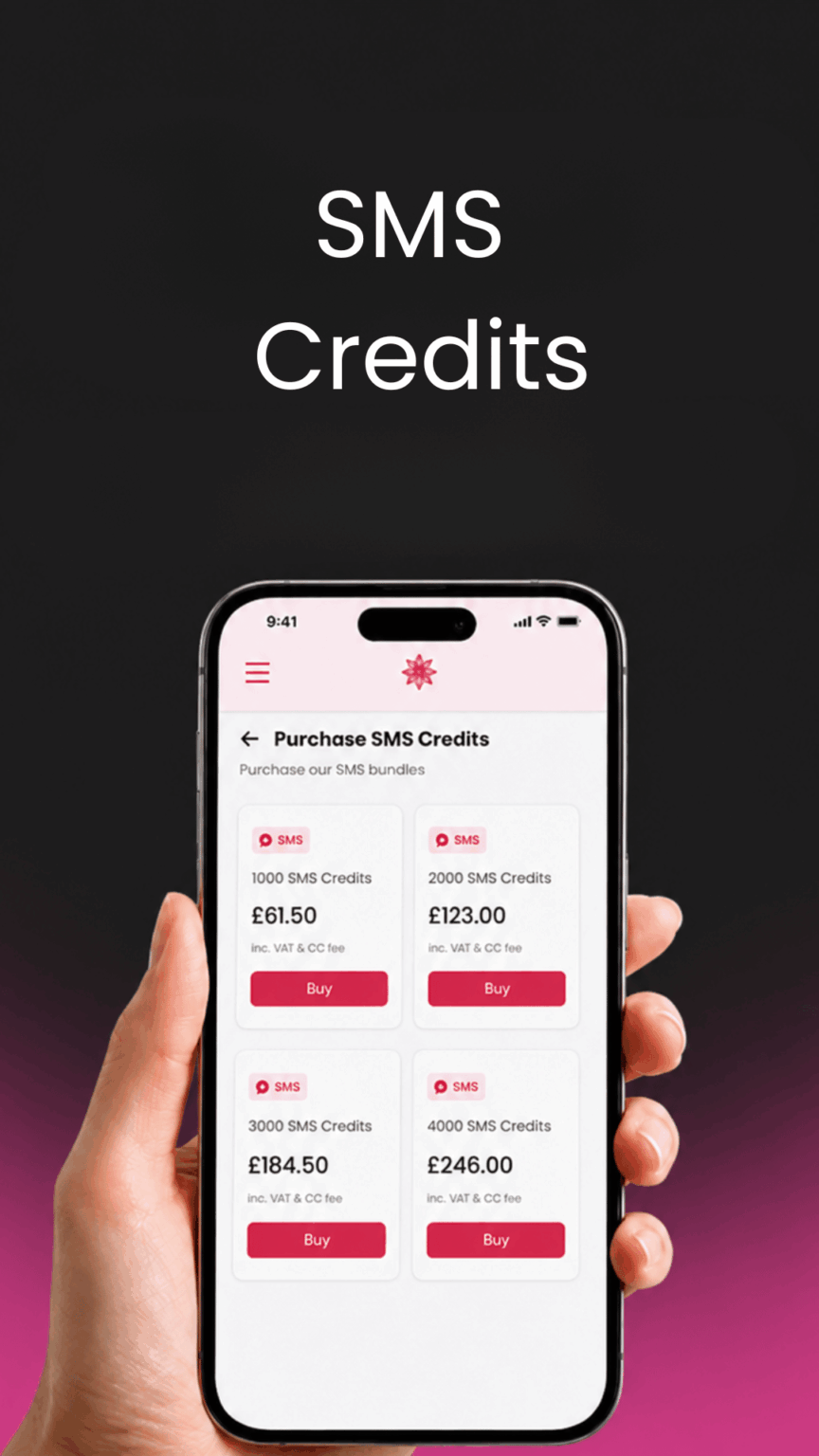
One of the biggest benefits of Salon Portal is the ability to quickly purchase SMS credit bundles.
SMS marketing is a powerful tool for salons. From appointment reminders and offers to client updates and promotional campaigns , SMS messages help you stay connected with your customers and encourage repeat bookings.
With Salon Portal buying SMS credits is easier than ever.
You can visit the Shop section, choose the SMS credit bundle you need and complete your purchase in seconds. This means you can keep your salon marketing running smoothly without delays.
Whether your planning a seasonal campaign, sending out a special offer or simply needs more credits for purchase reminders, Salon Portal gives you a faster and more convenient way to top up.
3.Manage Your Subscription and Invoices
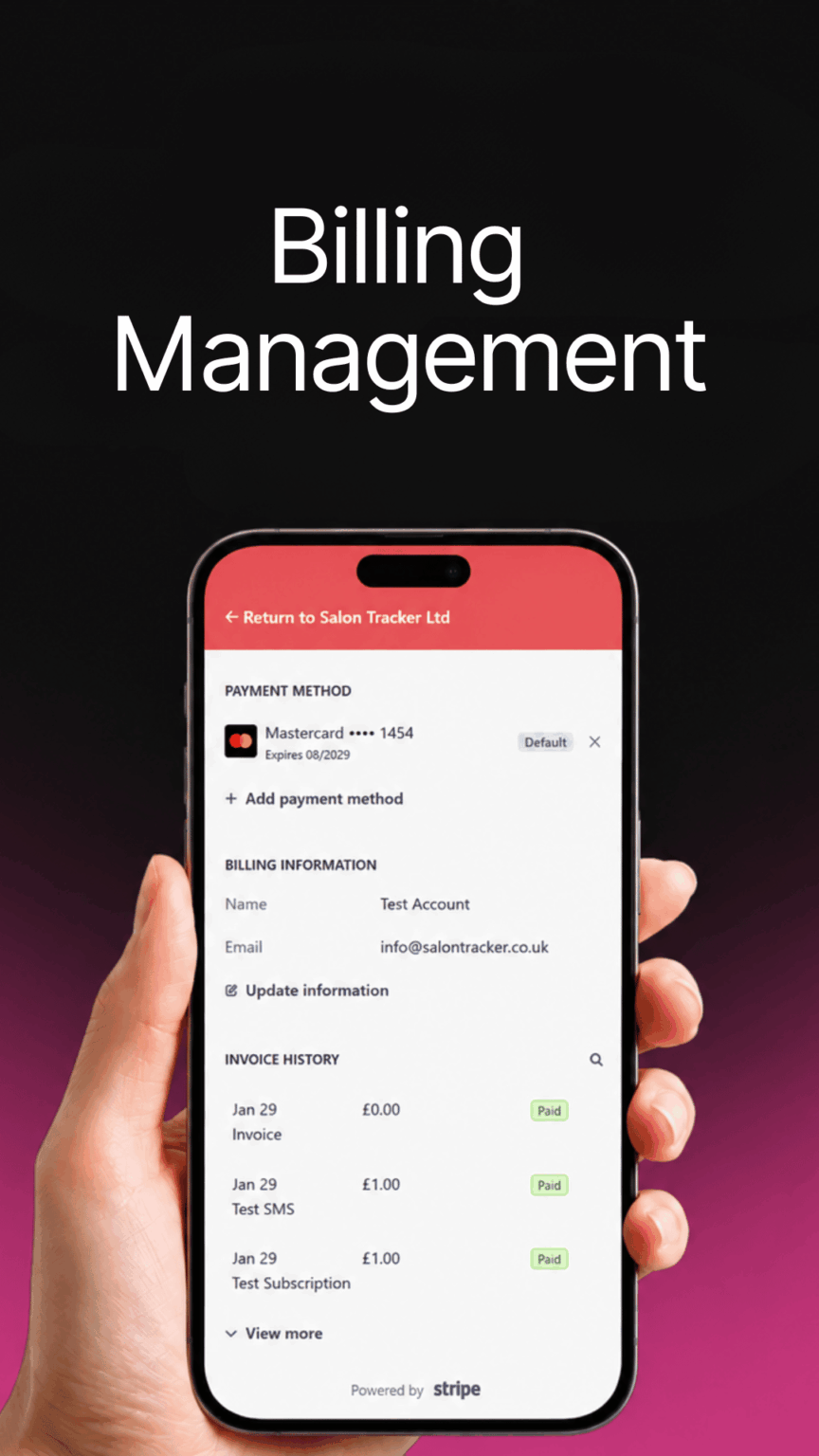
Salon Portal also gives you access to your billing area, making it easier to stay on top of your Salon Tracker account.
From the billing section, you can check your subscription details, view invoices and manage your payment information.
You can also update or change your card details directly through the portal, helping to keep your account up to date and reducing the need for manual admin.
This gives salon owners a simple way to manage important account information whenever they need to.
4.Contact Our Support Team Through Live Support Chat
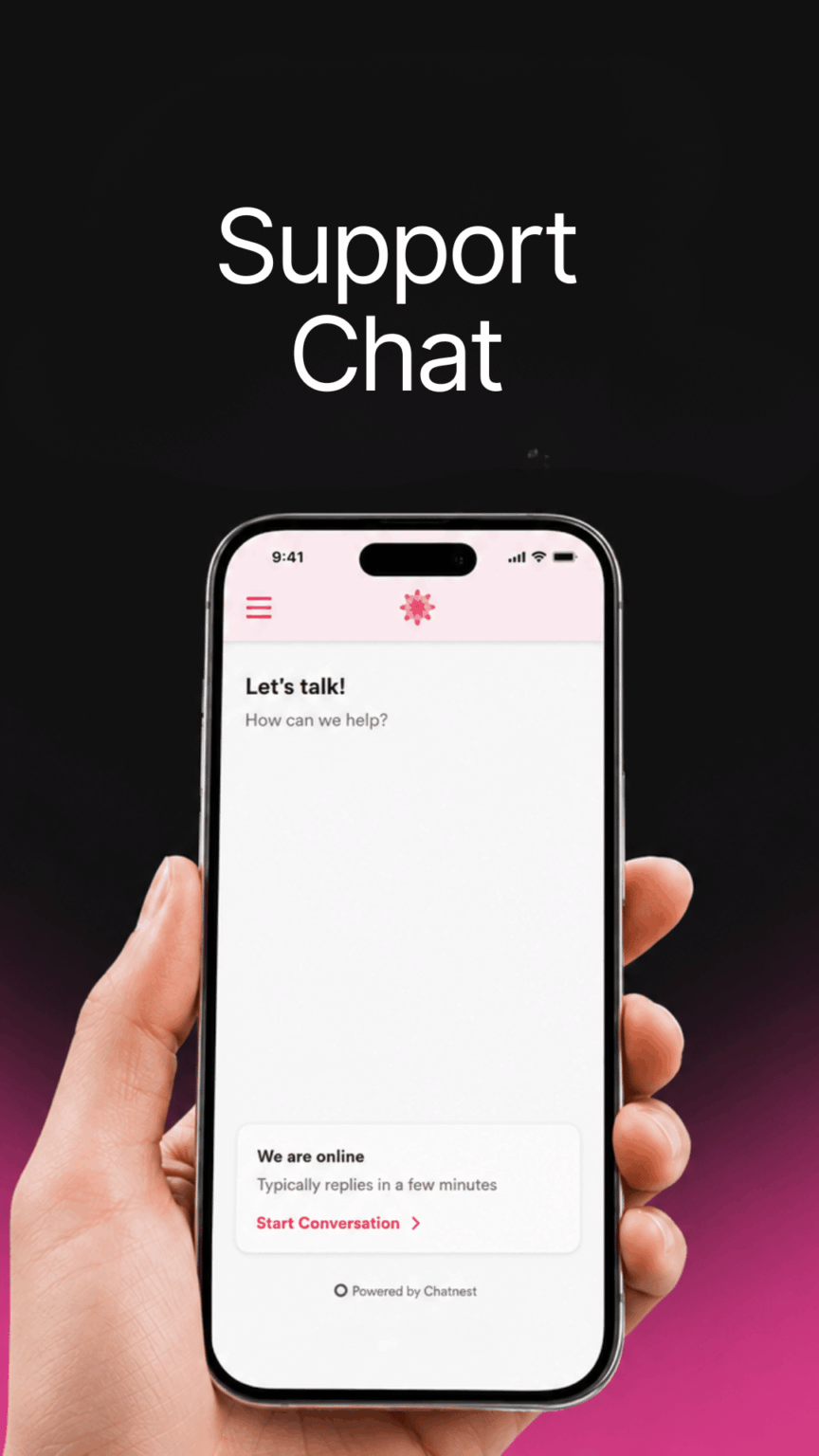
For quicker support, Salon Portal also includes a Support Chat option.
This allows you to contact our support team for help directly through the portal, making it easier to ask questions and get guidance when you need it.
Support Chat is ideal for quick queries, general help or when you need support using Salon Tracker features.
5.Access helpful videos and Guides and Resources
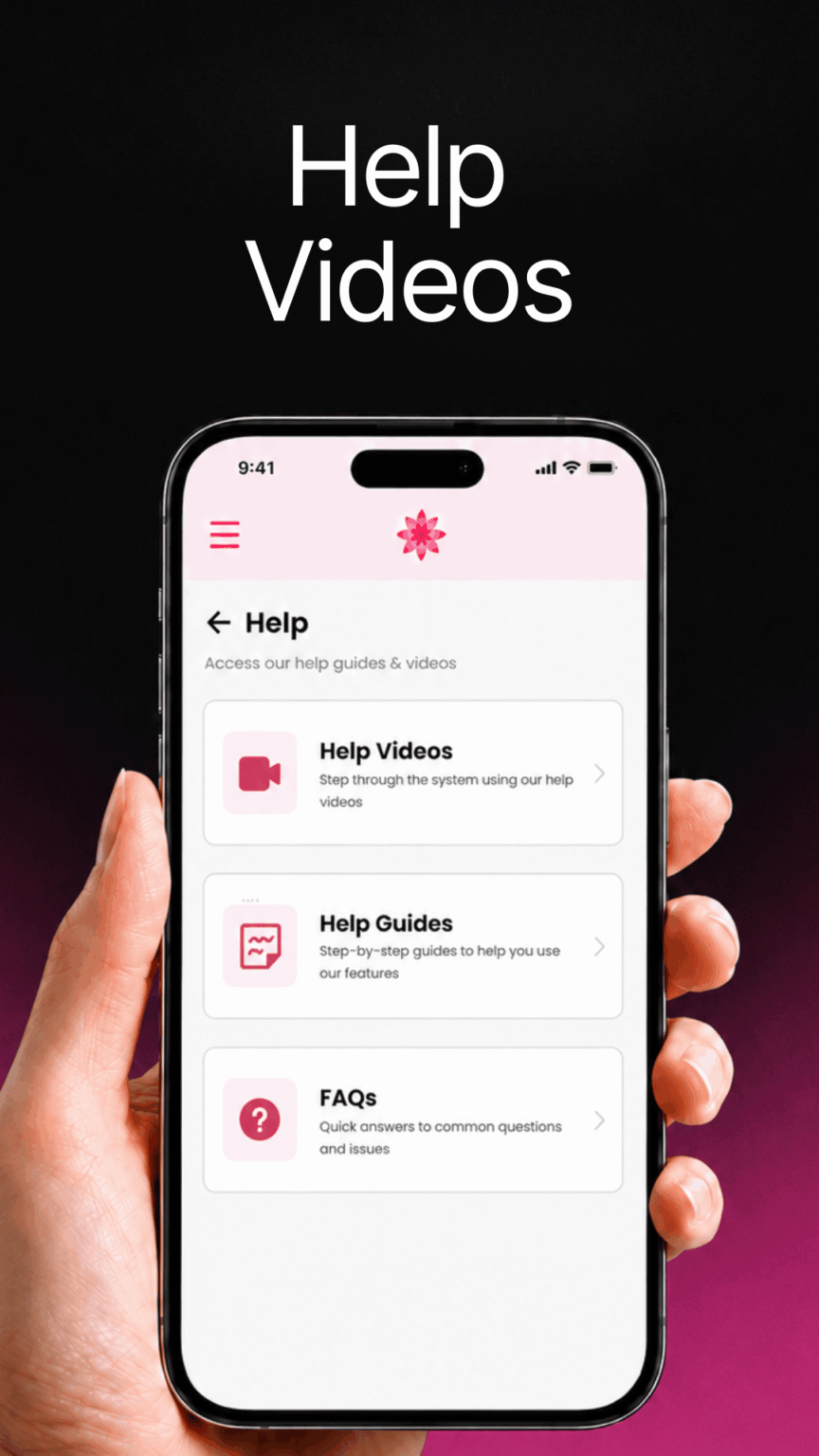
Salon Portal also includes a Help Centre, giving you access to useful videos, guides and resources.
This section has been created to help you get more out of Salon Tracker by making support materials easier to find.
Whether you want to learn how to use a feature, refresh your knowledge or share guidance with your team, the Help Centre gives you a simple place to access useful information.
It is designed to help salons feel more confident using Salon Tracker day to day.
6. Create a Support Ticket
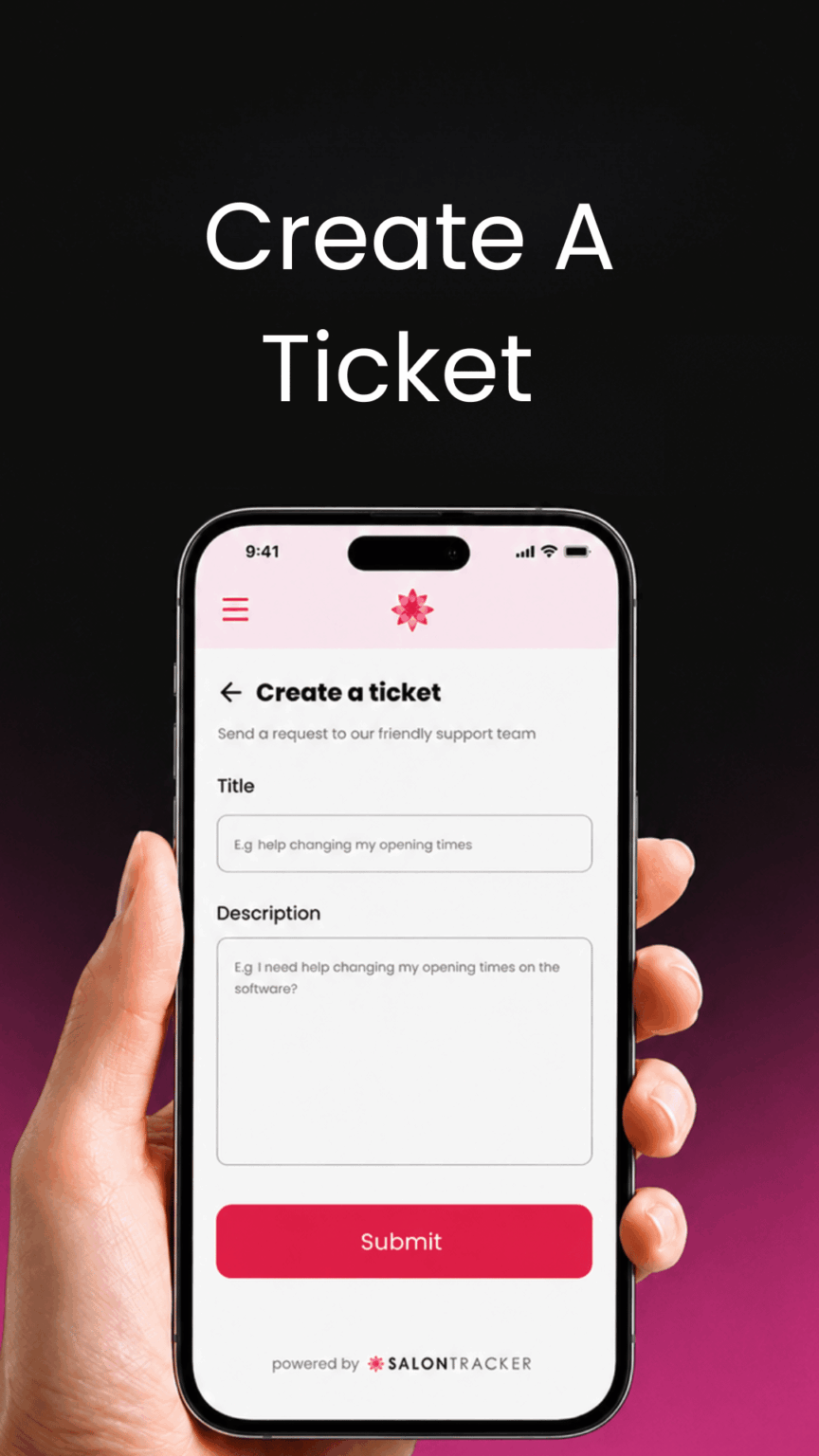
Salon Portal makes it easy to request help directly from the Salon Tracker support team by creating a support ticket.
Simply visit the Support section, provide details about your question or issue and submit your request. You can include relevant information to help our team understand what support you need, allowing us to investigate your query more effectively.
Creating a support ticket is ideal for issues that may require further investigation or when you would like to provide additional details about a problem.
Whether you need technical assistance, help using a Salon Tracker feature or guidance with your account, the support ticket system provides a quick and straightforward way to contact our team and receive the help you need.
7. See what’s New
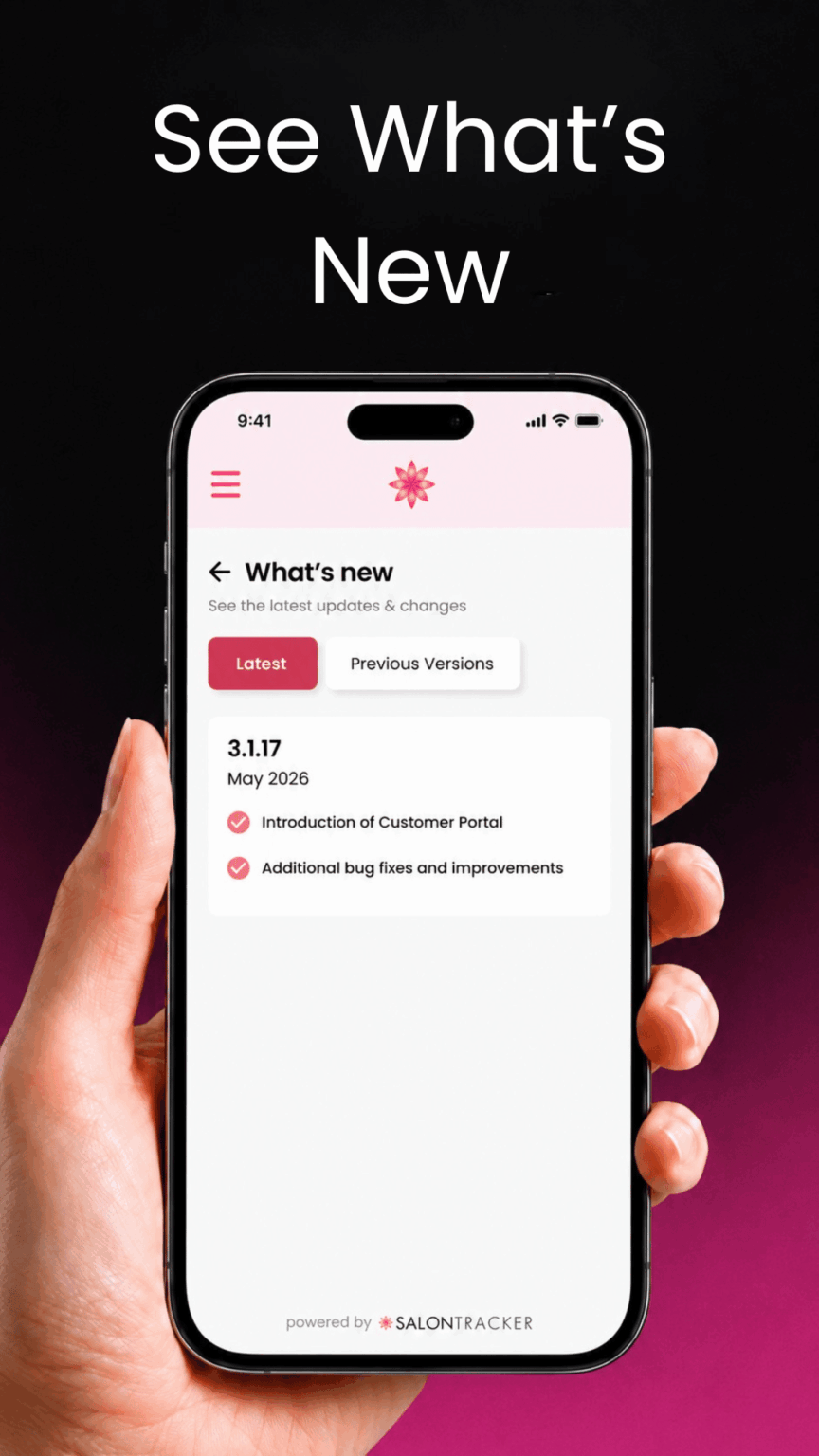
With the What’s New section in Salon Portal, you can stay up to date with the latest updates and changes.
This makes it easier to see what has been added, what has improved and how new updates may benefit your salon.
Instead of missing important changes, you can check the portal and stay informed about what is happening within Salon Tracker.