
Take Control of Staff Access With User Permissions
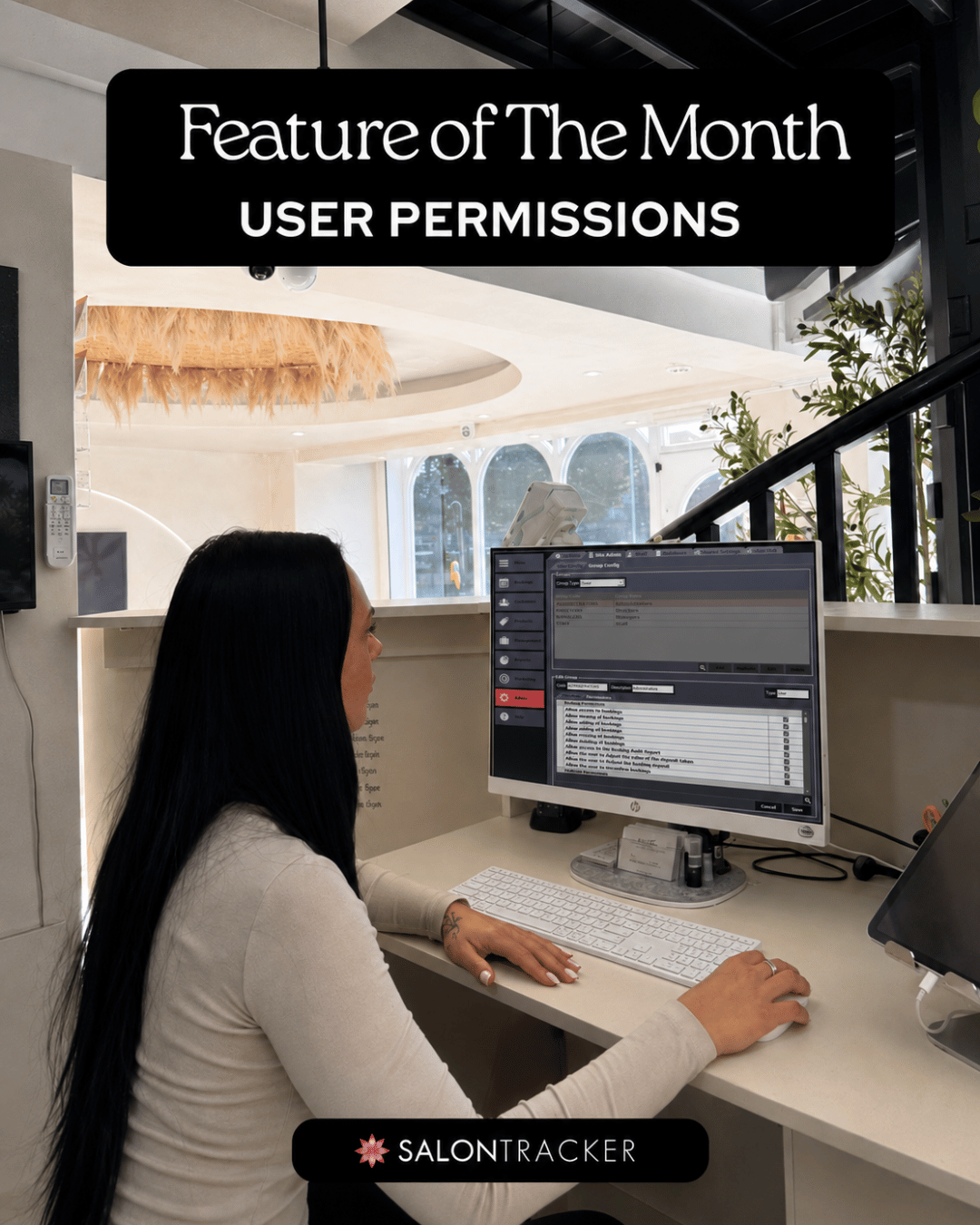
When you have multiple people using your salon software, not every team member need access to everything.
With User Permissions in Salon Tracker, salon owners can control what different users can access based on their role within the business. Whether they’re an Admin, Manager or Staff member, you can make sure each person has the right level of access.
1. What are User Permissions?
User permissions allow you to decide which areas and features of Salon Tracker each account can access.
This means you can give managers access to the tools they need to run the salon, while keeping more sensitive information or management features restricted from general staff accounts.
2. Different Access for Different Roles
Every salon works differently, which is why Salon Tracker gives you the flexibility to set permissions around the way your team operates.
Manager Accounts:
Managers can be given access to the areas they need to oversee the day-to-day running of the salon, while keeping certain settings or sensitive information restricted where required.
Staff Accounts:
Staff permissions can be limited to the features they need for their role, helping to protect important settings and business information while still giving them everything they need to work effectively.
Create Your Own User Groups :
You’re not limited to standard Manager and Staff permissions. Salons can create their own user groups and completely customise the permissions for each one, giving you greater control over exactly what different members of your team can access.
3. Why use User Permissions?
Setting the correct permissions can help you:
- Keep sensitive business information secure.
- Prevent unauthorised changes to important settings.
- Give employees access only to the tools they need.
- Create clearer responsibilities between staff and managers.
- Maintain more control over how Salon Tracker is used.
4. More Control Over Your Salon
As your team grows, having the right controls in place becomes even more important.
By setting up individual user permissions in Salon Tracker, you can give your team the access they need while keeping greater control over important areas of your business.
It’s a simple way to make Salon Tracker work around the structure of your salon and team.
5 .Give Your Team the Right Access
With User Permissions in Salon Tracker, you can stay in control of who can access different areas of your software, while giving your team the tools they need to do their job effectively.
Whether you’re setting up access for admins, managers or staff, permissions can help keep your salon organised, secure and easier to manage.
Want to learn more about setting up User Permissions? Get in touch with the Salon Tracker team support@salontracker.co.uk or speak to us via Support Chat
.Or visit the Help Videos section on the Salon Tracker website for a step-by-step guide on adding new users, such as staff members, to your software.