Get More from Salon Tracker: Reports and Help Videos to Make Managing Your Salon Easier
Managing a busy salon involves juggling customers, staff, sales, bookings and plenty of day-to-day tasks. From monitoring daily performance and understanding which products are selling to managing customer minutes and setting up new staff, there are plenty of everyday tasks to stay on top of.
Salon Tracker is designed to keep these areas together and make day-to-day salon management simpler.
In this blog, we’re looking at some useful Salon Tracker reports as well as a few of our help videos that can make common tasks quicker and easier.
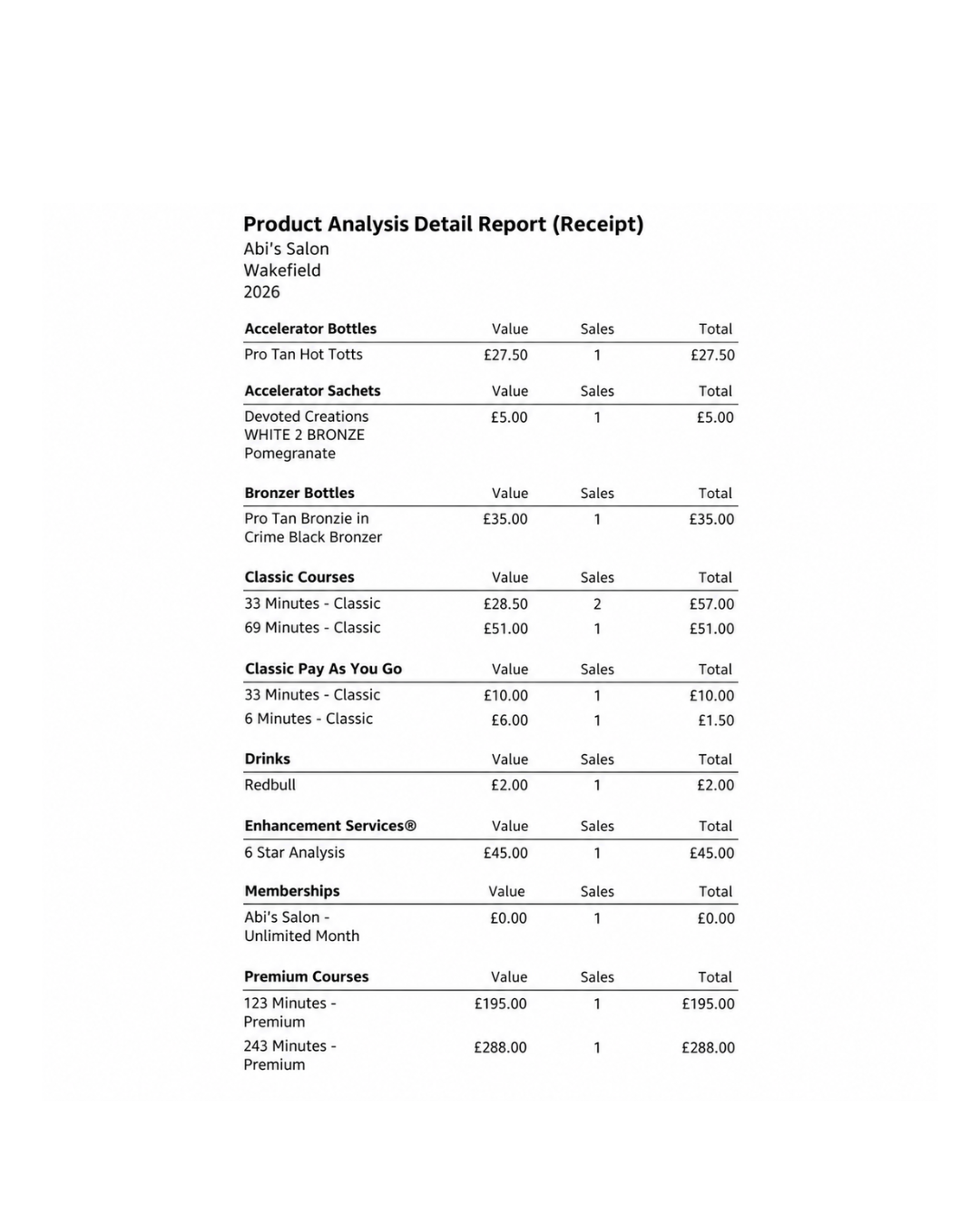
See What’s Selling with the Product Analysis Detail Report
The Product Analysis Detail Report shows the quantity sold and revenue generated for each product and service, grouped by sub-category.
It’s useful for comparing performance, identifying your best- and worst-selling items, and making better decisions about stock, services, and promotions.
Knowing what your customers are buying can help you make better decisions about your stock.
This can be useful deciding:
Which products you may need to reorder Which items are proving popular Which products aren’t selling as frequently Where you may want to focus future promotions
Having this information available through Salon Tracker can take some of the guesswork out of managing your retail products.
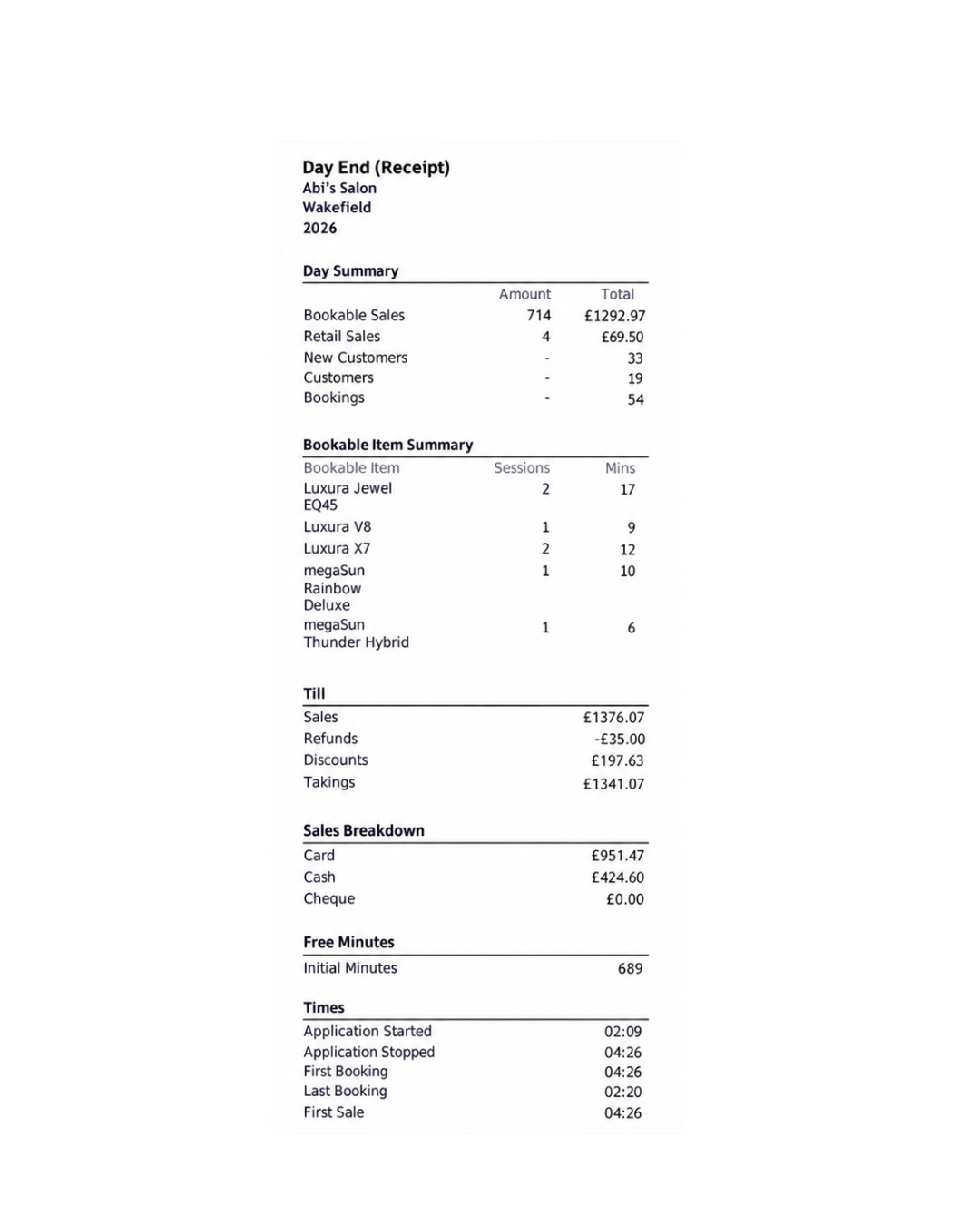
Day End Report
The Day End Report gives you a useful summary of your salon’s activity for the day.
It includes key information such as service and retail sales, deposits, discounts, refunds, payment-method totals, customer activity and bookable-item sessions and minutes.
This makes it easier to:
Review your daily takings
Check payments, refunds and discounts
Monitor sessions and minutes used
See customer activity and sale times
Having everything together in one report makes it easier to review each day and keep track of how your salon is performing.
Sometimes it’s much easier to watch someone complete a task than read through a set of instructions.
That’s why Salon Tracker customers can access help videos covering common areas of the software.
Here are a few useful videos to look out for
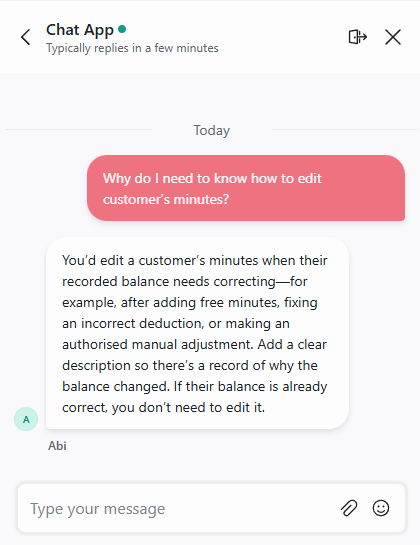
How to edit a customer’s minutes
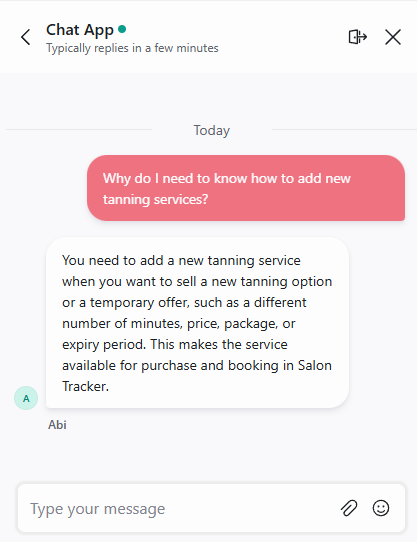
How to add a tanning service?
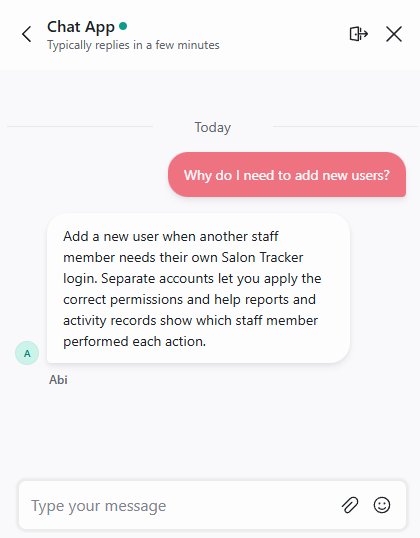
How to add a new user
How to Edit a Customer’s Minutes
Need to make an adjustment to a customer’s tanning minutes?
Our tutorial takes you through the process of finding the customer’s account and making the required changes, helping you manage customer minutes correctly within Salon Tracker.
It’s a useful video for both existing staff who need a refresher and new team members learning the system.
Our Add a Tanning Service video walks you through setting this up within Salon Tracker, making it easier to keep the services available through your system up up to date.
Whether you’re introducing a new bed, changing the services you offer or updating your salon setup, the guide shows you where to start.
If you’re already a Salon Tracker customer, explore the reports available within the software and take a look at our help videos for more step by step guidance.
Not using Salon Tracker yet? Get in touch with our team to discover how Salon Tracker can help you manage your tanning salon.